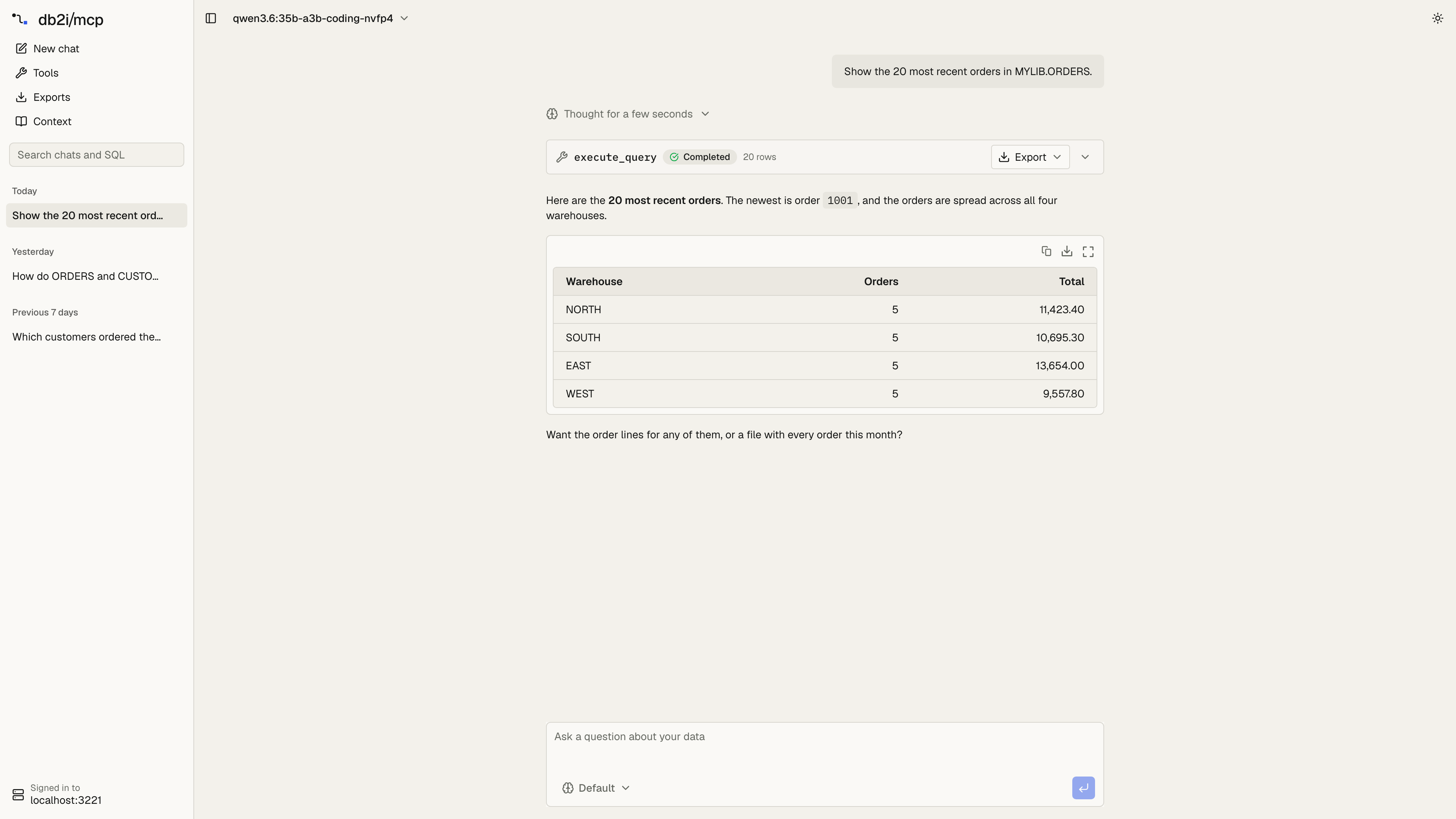
So far, using this Model Context Protocol (MCP) server meant having an AI client: claude.ai, ChatGPT, Cursor or Claude Code. That works well for people who already have one. But most companies don’t buy a Claude, Gemini or ChatGPT seat for everyone who might want to ask about orders or stock levels once a week. Version 3.7 adds an example web app in examples/web-app. People open it in the browser, sign in with their own IBM i user profile and ask. The model behind it is your choice.
One key for the whole company
The app talks to Anthropic, OpenAI, Google Gemini or any OpenAI-compatible endpoint. There are two ways to give it a key.
- One company key on the app’s server. Set
ANTHROPIC_API_KEY,OPENAI_API_KEYorGOOGLE_GENERATIVE_AI_API_KEYin the app’s environment, and everyone who signs in uses it. The provider bills that one account per use, so a team that asks a few questions a day pays for those questions, not for a seat each. - Each user’s own key, entered in Settings and kept in their browser. If a user enters one, it’s used instead of the company key.
The company key stays on the app’s server. The browser only learns that a key exists, error messages have it removed, and the app refuses to use it for anyone who hasn’t signed in to the IBM i. DEFAULT_PROVIDER and DEFAULT_MODEL set the model a new user starts with, so they can ask their first question without opening Settings:
ANTHROPIC_API_KEY=sk-ant-...
DEFAULT_PROVIDER=anthropic
DEFAULT_MODEL=claude-sonnet-5-5
Set a spending limit on the provider account. That’s where the cost is visible and where you can cap it.
Or a local model
Choose OpenAI-compatible and point the app at Ollama, LM Studio or vLLM. Questions and query results then never leave your network, and there’s no per-use bill at all. CUSTOM_MODEL_BASE_URLS lists the addresses the app may call, so it can’t be turned into a way to reach arbitrary hosts.
The trade-off is plain: tool calling needs a capable model. Small local models often pick the wrong table or call tools badly. Larger ones do much better, and need the hardware to match.
Everyone signs in as themselves
The app uses the server’s built-in OAuth sign-in from version 2.9. The password goes only to the server’s sign-in page, and the tokens stay in an encrypted, httpOnly cookie on the app’s server. Every query runs with the signed-in user’s own IBM i authority, through the same read-only connection, SQL validator and library allowlist as any other client. A shared model key does not mean shared data access.
What’s in it
- Chat with saved chats in a sidebar, searchable by text or by the SQL they ran.
- Result tables you can sort, filter and copy to Excel. Export in the tool card has the server write every row to Excel or CSV with
export_query, past the row limit. - Tools: every tool the server lists, with your business SQL tools grouped by toolset. Each has a form, so you can run a tool without the model.
- Context: the table notes and joins the model reads.
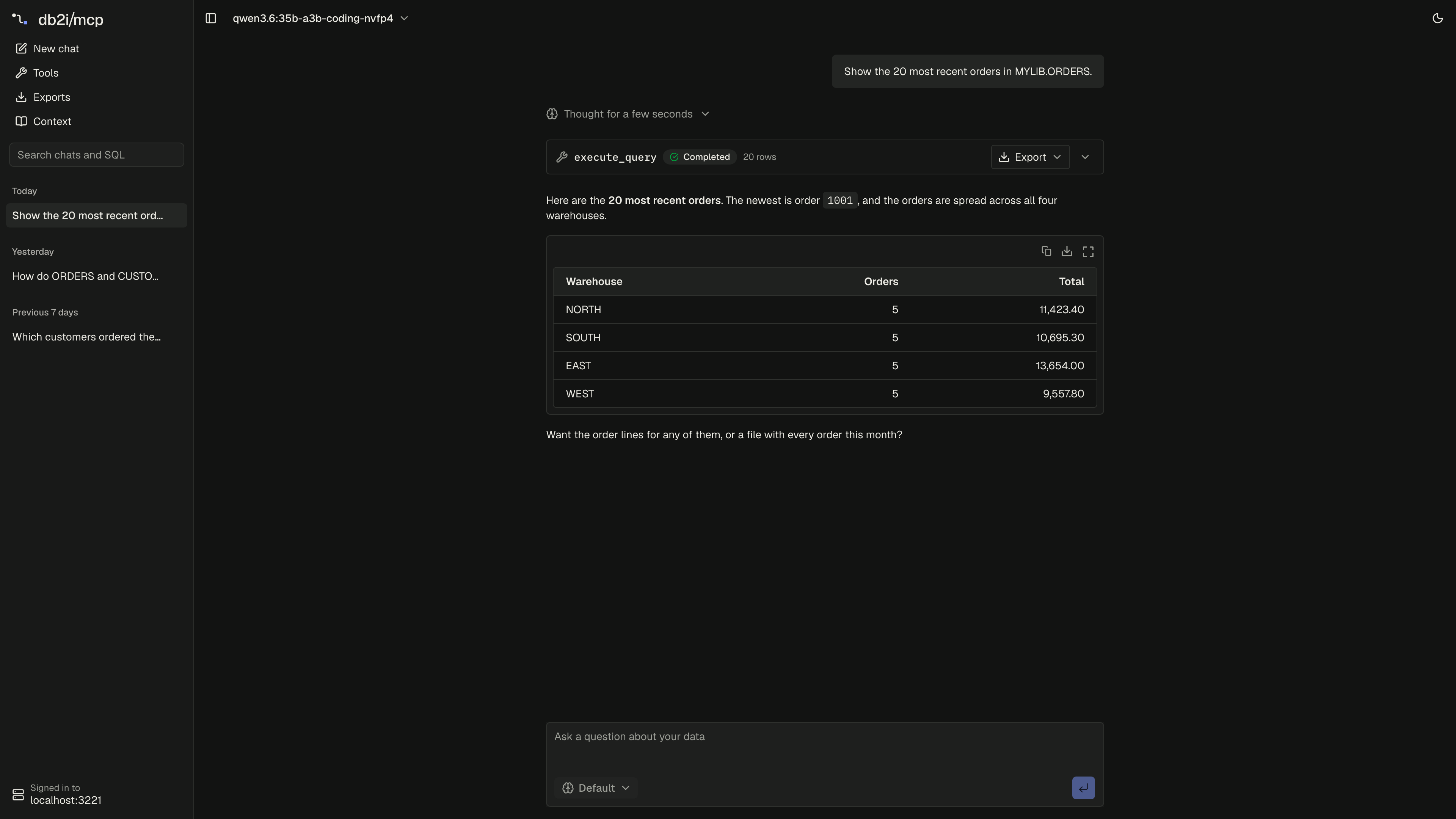
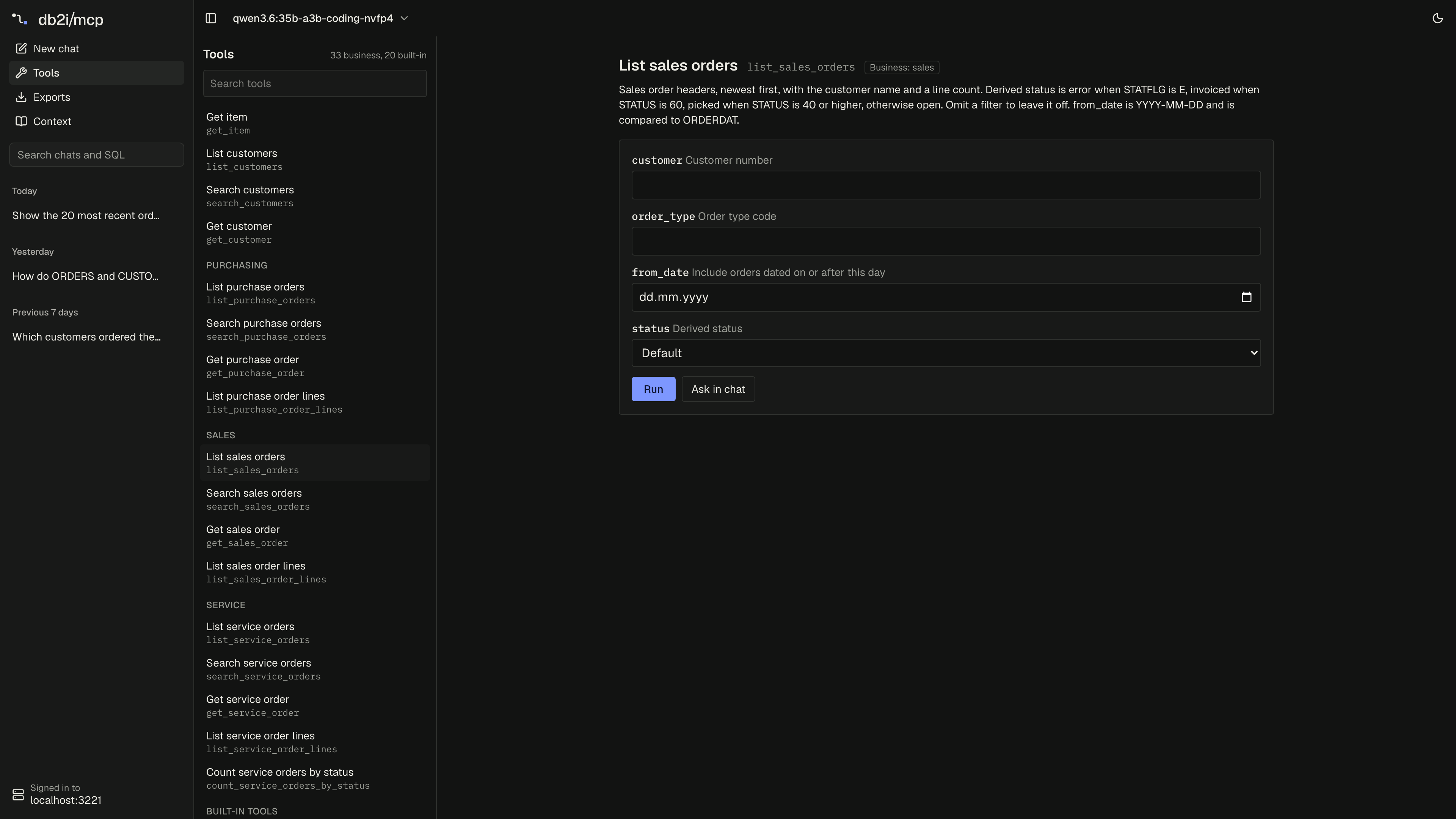
- Light and dark themes.
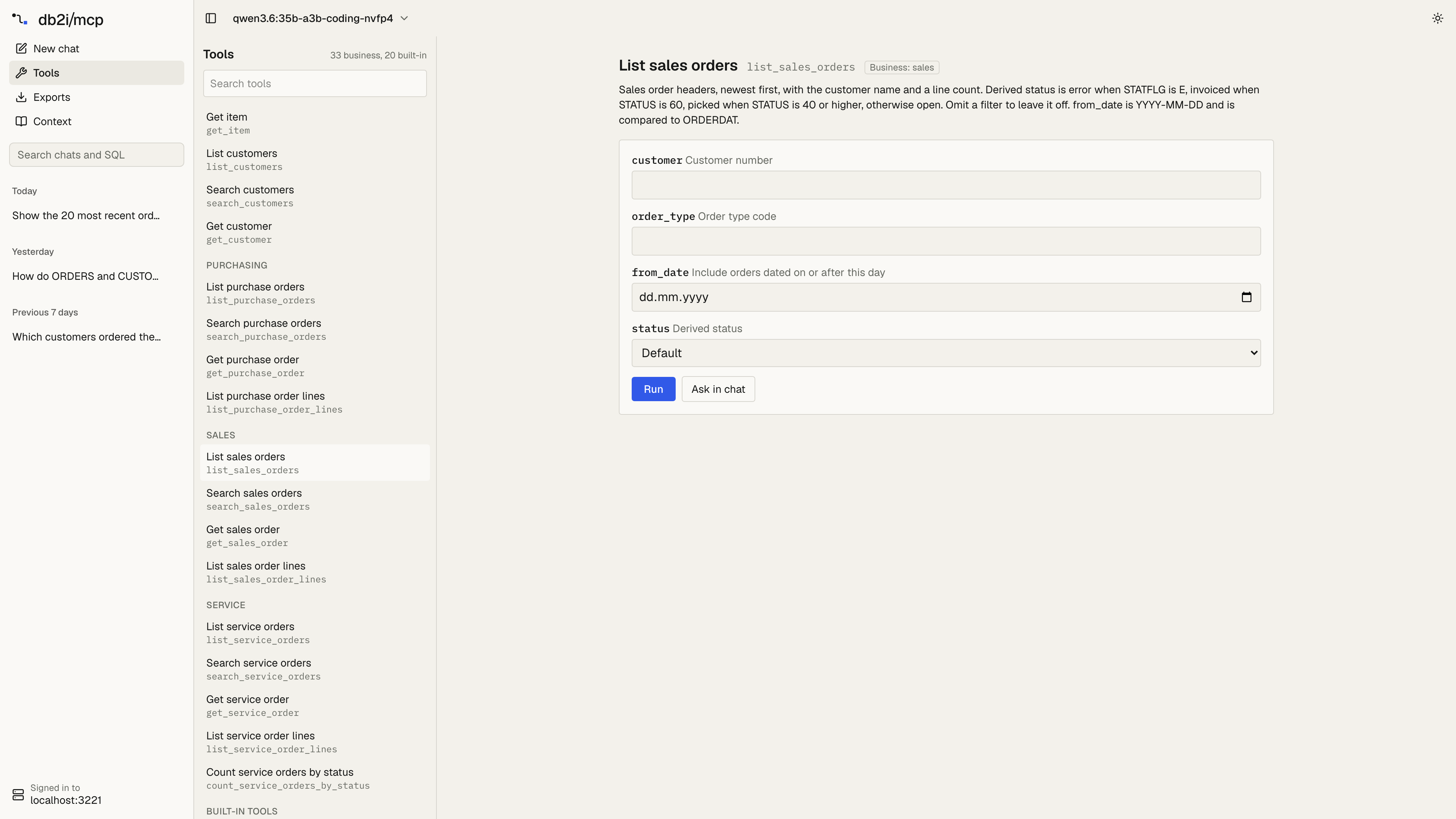
On the server side, business tools now carry _meta["db2i-mcp/tool"] in tools/list, with kind: "business" and their toolset. That’s how the Tools page groups them, and any other client can do the same.
Use it, change it, or take the parts
It’s an example, MIT licensed, built with Next.js, AI SDK and shadcn/ui. You can run it as it is on its own address, such as https://ask.example.com, and link to it from your intranet. You can change it to fit how your company works: your own logo and colors, fewer pages, a fixed model. Or you can take the parts you need, such as the chat route and the result table, into a React app you already run. It’s a starting point, not a product: it has no admin screens and no usage reports.
Upgrading
npx mcp-server-db2i@latestThe server change is additive: one more field on business tools in tools/list. The app needs the server in HTTP mode with MCP_OAUTH_ENABLED=true. The web app docs cover the setup, the settings and where data goes.
What this means for business users
If your company doesn’t hand out AI subscriptions, you can still ask your IBM i questions in plain language. Your IT team runs the app once, and you sign in with the same user you use for the ERP.